

  Welcome to Gopay Wallet
... Pay for Goods & Services, Send & Receive Money ...

the wallet is Integrated with the best technogies with Capabilities to support Multiple Fiat Currency Gateways

Console

  How to register and activate your Gopay Account To Start Using Your Wallet in 2 easy steps :

Step 1 : Register on Gopay Wallet as Follows : (Registration is Free)
Step 2. After Successful Registration Your Redirected to Activate your Gopay account / Wallet with any amount of Deposit in the range of Ksh.1 to Ksh. 450,000/- per each transaction

 Upon successful activation, your Gopay account & wallet will unlock and
you can start Sending and Receiving Money from Friends and Family in Seconds
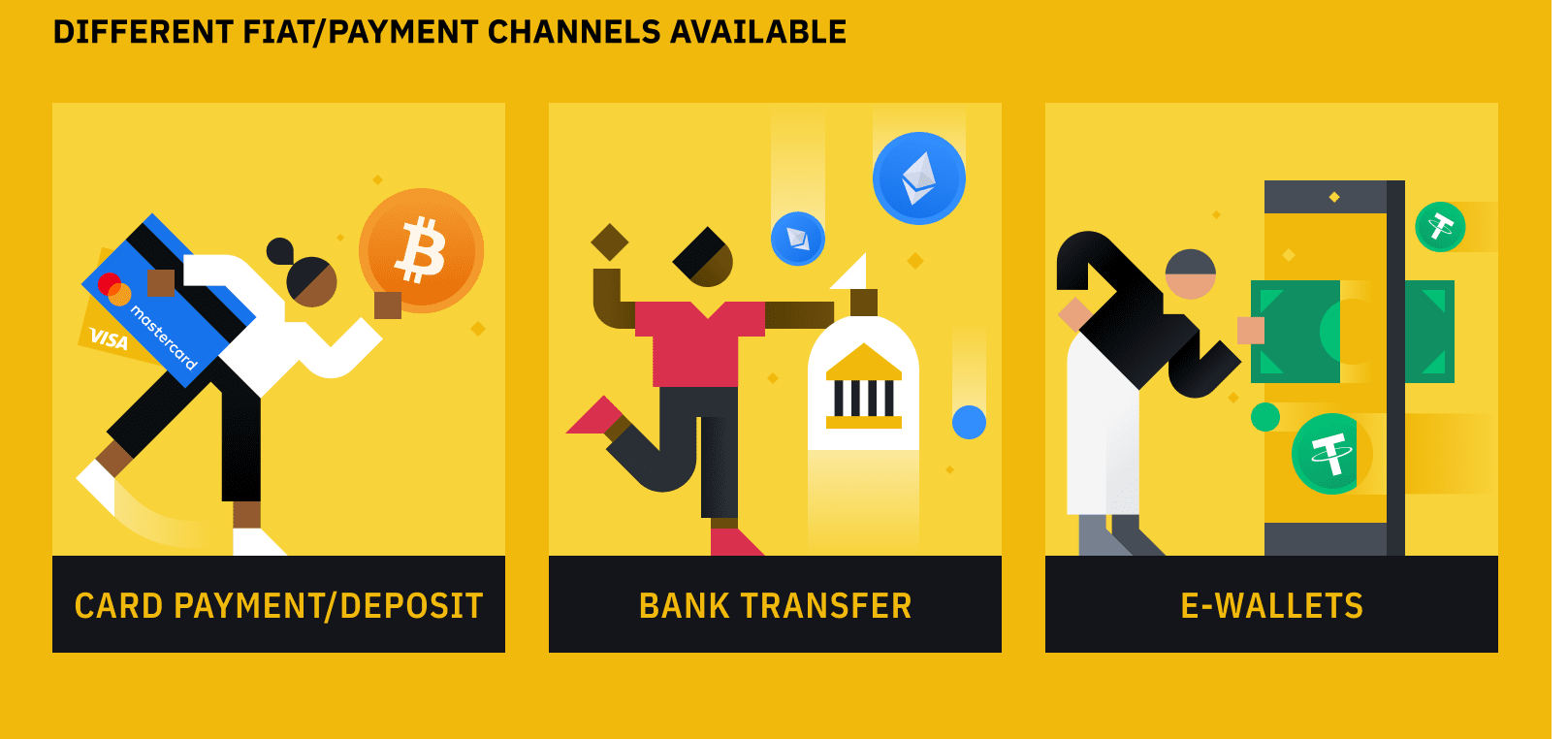
Source: https://gopay.co.ke/ Source: https://gopay.co.ke/ Source: https://gopay.co.ke
Gopay Partners
Gopay Wallet

















Contact Gopay : +254707503647 or +254704375390
Transport Financial Technologies : PSV SACCOS Payment Gateways Innovation
GoPay Kenya | Smart Mobility Payments
Cashless Payments for Smart Mobility
GoPay is revolutionizing public transport in Kenya with seamless, secure, and intelligent payment systems for PSV operators, SACCOs, and commuters. Get StartedRequest Demo
What GoPay Offers
QR, NFC Payments, USSD Payments, eWallet Payments
Fast, cashless fare collection using QR codes and tap-to-pay technology, Smart phones Tech, or Offline Cashless Technology
Real-Time Tracking
Monitor vehicles, routes, and payments live with smart dashboards.
Revenue Intelligence
AI-powered insights to reduce leakage and maximize earnings.
SACCO Integration
Seamless tools for SACCO management, reporting, and financing.
Contact Us
Ready to transform your transport business?
📞 Phone:
+254 707 503 647
+254 704 375 390
📧 Email:
info@gopay.co.ke Talk to Sales © 2026 GoPay All rights reserved.
